 Nostalgia Camera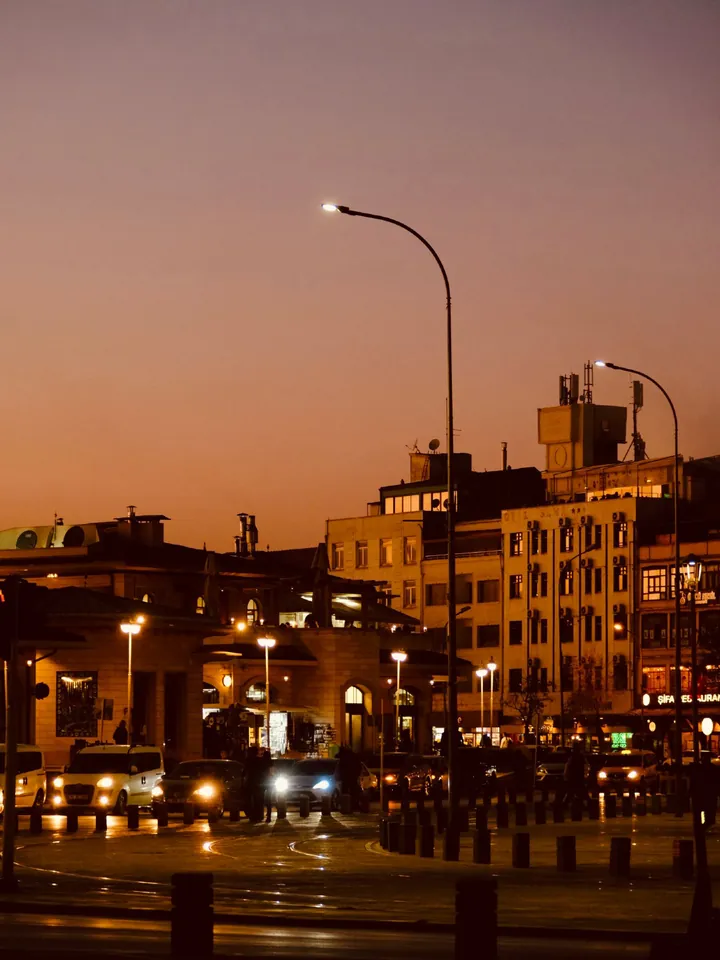
Why 2009 phone photos looked like that
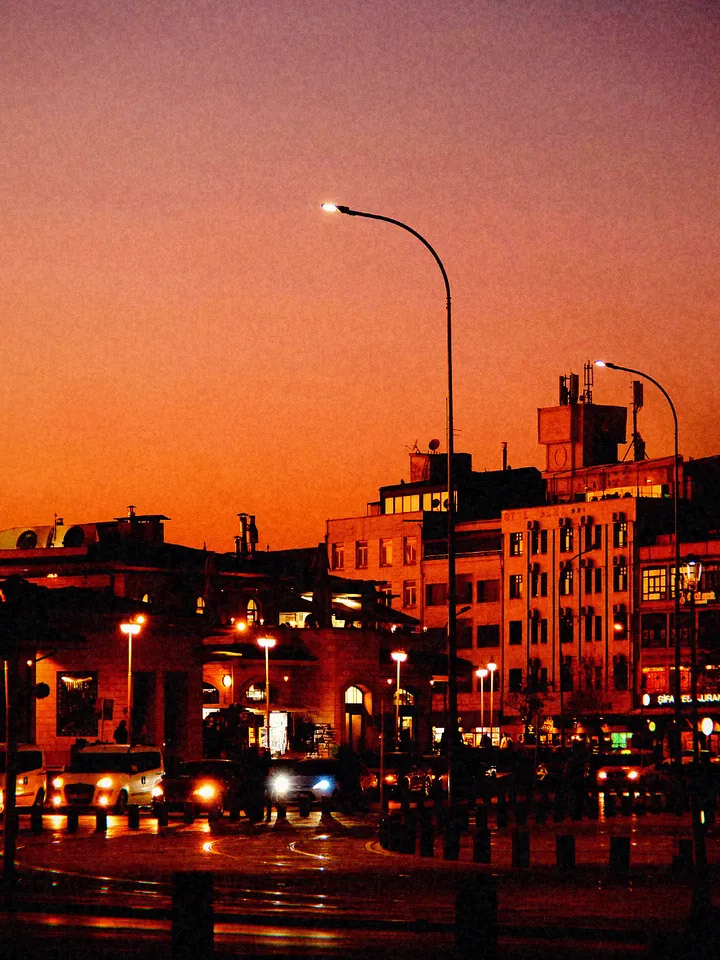
The first phone cameras that people carried everywhere had tiny sensors and simple lenses; two or three megapixels was normal. Daylight came out punchy but harsh, bright skies clipped to white, and in low light the processing smeared detail into coloured noise. Heavy sharpening gave outlines a crunchy edge, and high-contrast edges picked up a purple fringe.
It was also the first camera that was always with you. That is why so many memories from those years, the old-iPhone-camera look people search for today, look exactly like this.
What the Early Phone Cam era does
The 2009 · Early Phone Cam era leans on phone characteristics rather than film ones: strong sharpening, colour noise that grows in the shadows, light grain and a little bloom, with almost no vignette and no light leaks. The default frame is 4:3, like the phone sensors of the time.
Two colour profiles come with the era, Daylight 2009 and Indoor 2009. Night Street is an extra profile for after dark. 2009 is a Pro era: shooting with it requires Pro, an optional in-app purchase. If you want a free phone-era look first, try 2010 · Square Feed or 2014 · Social Camera.
Where the look works
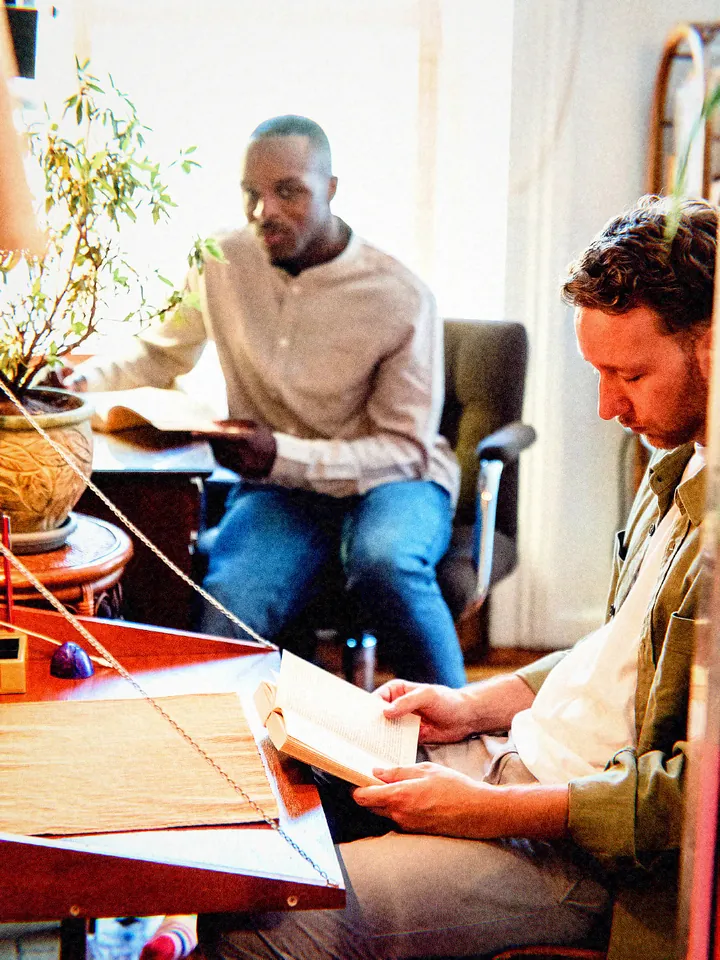
Casual snapshots, mirror selfies, a night out, food on a table, campus and school-day nostalgia. The look depends on not trying too hard: let a bright window clip, leave the slightly crooked frame.
Wide sunset landscapes are the hardest case. Without people or a story, the effect can read as simply lower quality.
How to shoot it
- Choose 2009 · Early Phone Cam in the era picker.
- Use Daylight 2009 outdoors and Indoor 2009 under lamps.
- Shoot at arm’s length or into a mirror; close, casual framing suits the era.
- Don’t chase perfect exposure. A clipped window or a noisy corner is part of the look.

Questions
Is the old phone camera effect free?
No. 2009 · Early Phone Cam is a Pro era. The free eras include 2010 · Square Feed and 2014 · Social Camera, which also have a phone-era feel.
Do I need an old phone for this?
No. The era recreates the character with processing on your current iPhone.
Does it work on existing photos?
Yes, with Pro. Pro lets you import photos from your library and reprocess them with an era.