 Nostalgia Camera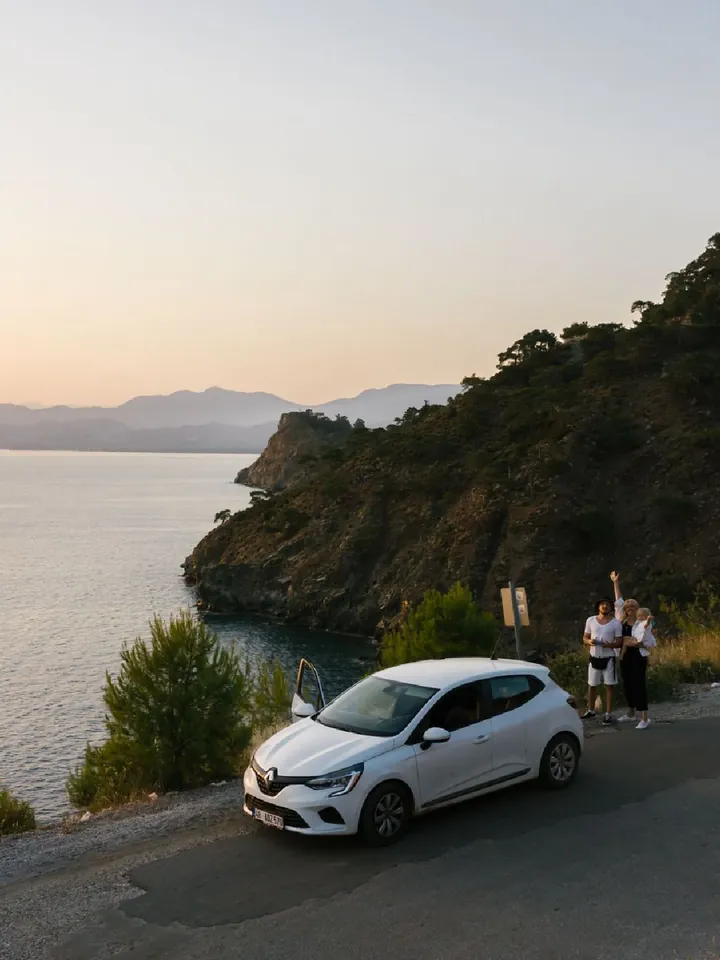
Why instant photos look the way they do
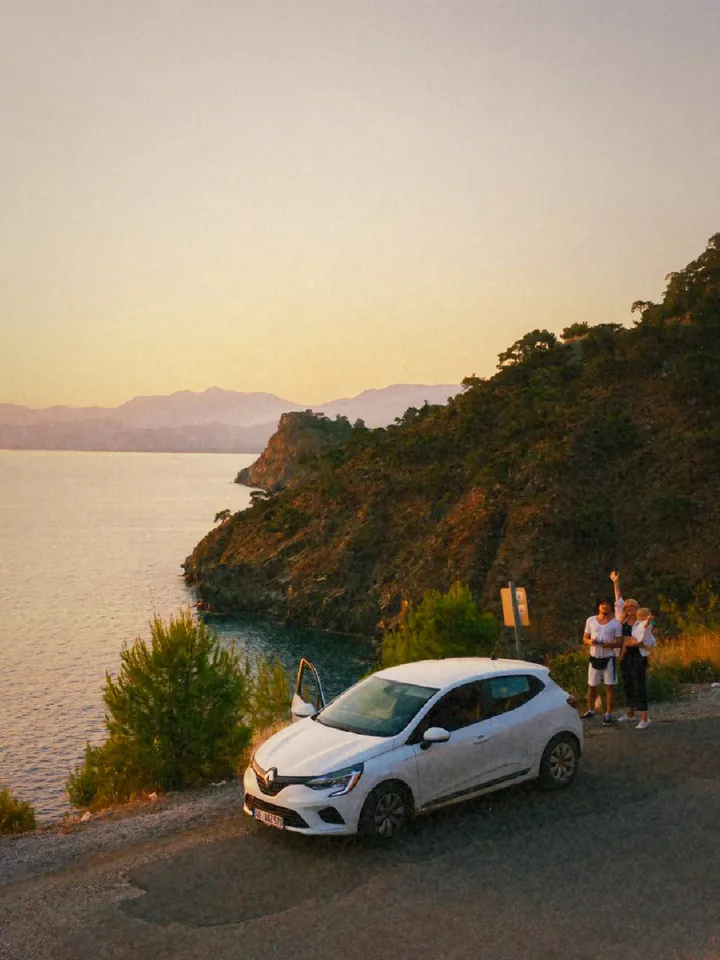
In 1972, folding instant cameras made the picture develop on its own, with no darkroom and no lab. The chemistry gave lower contrast and softer detail than a print from a negative, colours that leaned warm or faded with age, and a glow around bright areas. The square frame and its white border became part of the memory. No two prints ever matched exactly.
What the 1972 era does
The 1972 · Instant Fold era adds a strong glow and halation, soft focus, a vignette, fine grain and dust, and now and then a light leak or a chemical burn at the edge. The default frame is square.
Instant Warm comes with the era; Instant Fade is an extra colour for washed-out summer prints. 1972 is a Pro era, so shooting with it requires Pro, an optional in-app purchase. The examples on this page use the same 3:4 crop as every other comparison on this site.
Where the look works
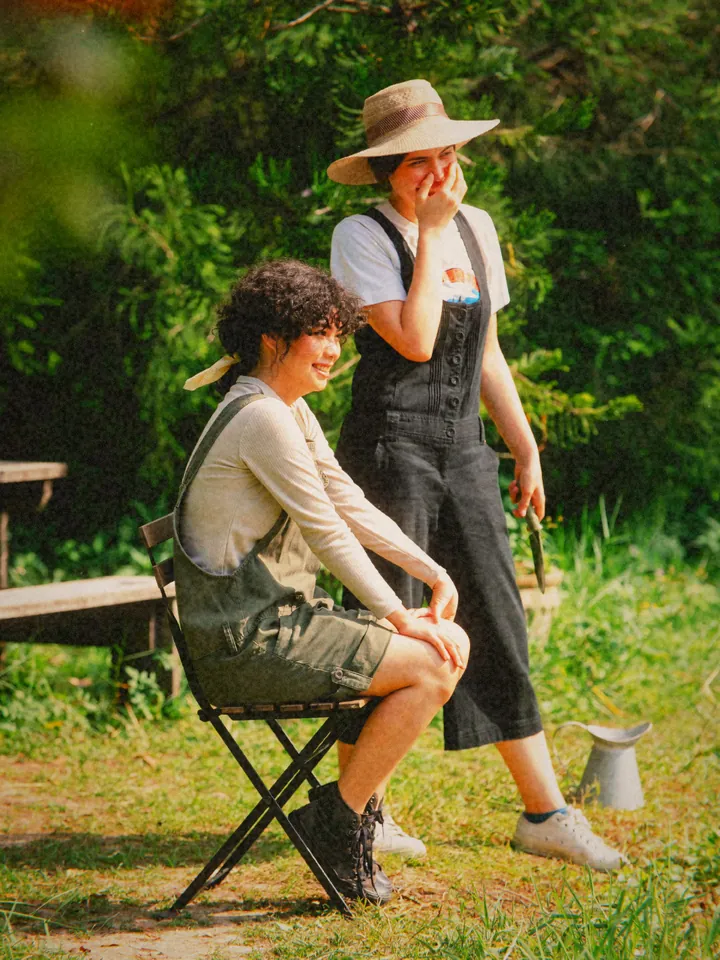
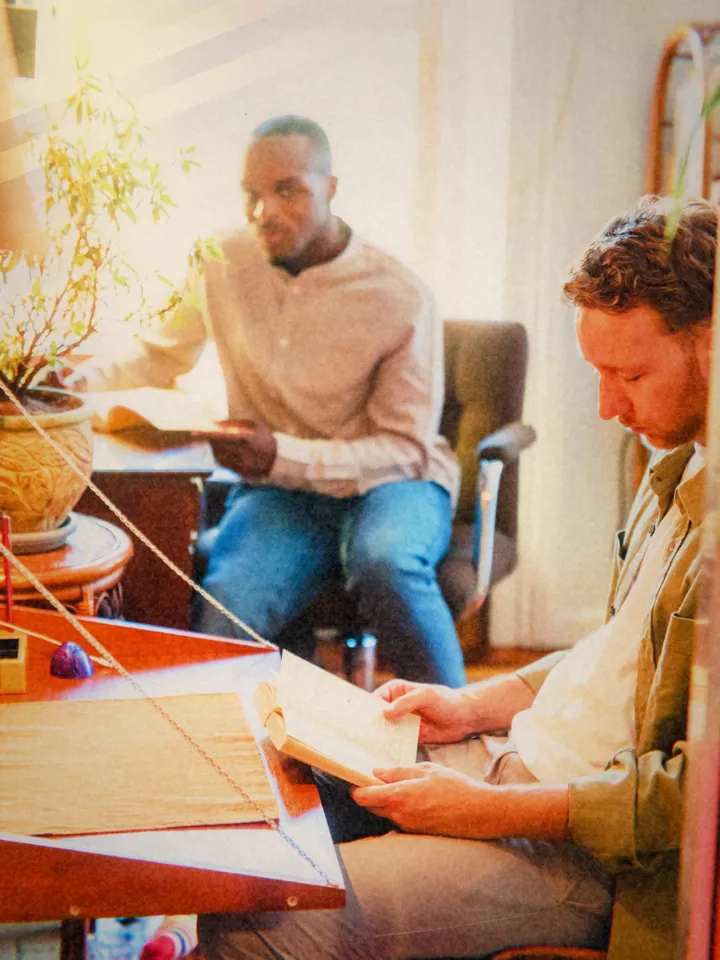
Portraits, couples, pets, still life and small travel moments: subjects that can sit a little closer to the camera. Window light and late afternoon sun suit the warm profile.
Very dark scenes are the hardest case. Soft glow plus little light can turn into mud; find a lamp or step outside.
How to shoot it
- Choose 1972 · Instant Fold in the era picker and keep the default square frame.
- Use Instant Warm for people and golden light; Instant Fade for a washed, sunny print.
- Get closer than you think, about one to two metres, and keep faces in soft light.
- Shoot a few frames. Glow, leaks and burns vary from shot to shot, so pick your favourite.
Questions
Is the instant film effect free?
No. 1972 · Instant Fold is a Pro era. For a free warm look, try 1998 · Disposable Flash; for a timeless portrait, the free 1895 · Glass Plate.
Does it print or make a physical photo?
No. It is a digital look made on your iPhone. You can save and share the result like any other photo.
Can I apply it to a photo I already have?
Yes, with Pro. Import a photo from your library and process it with the 1972 era.