 Nostalgia Camera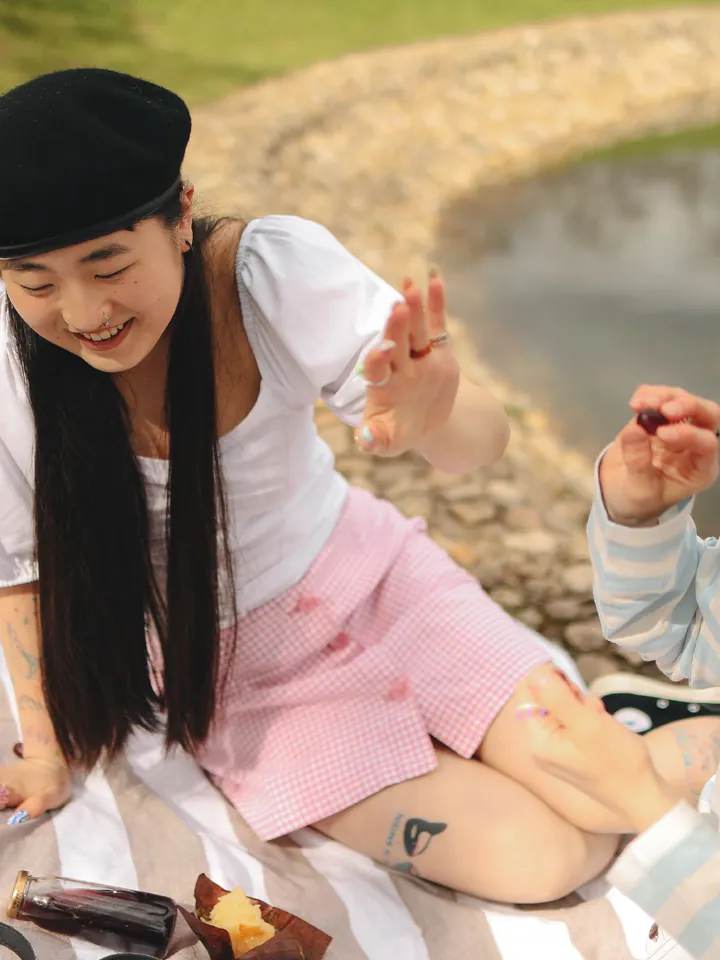
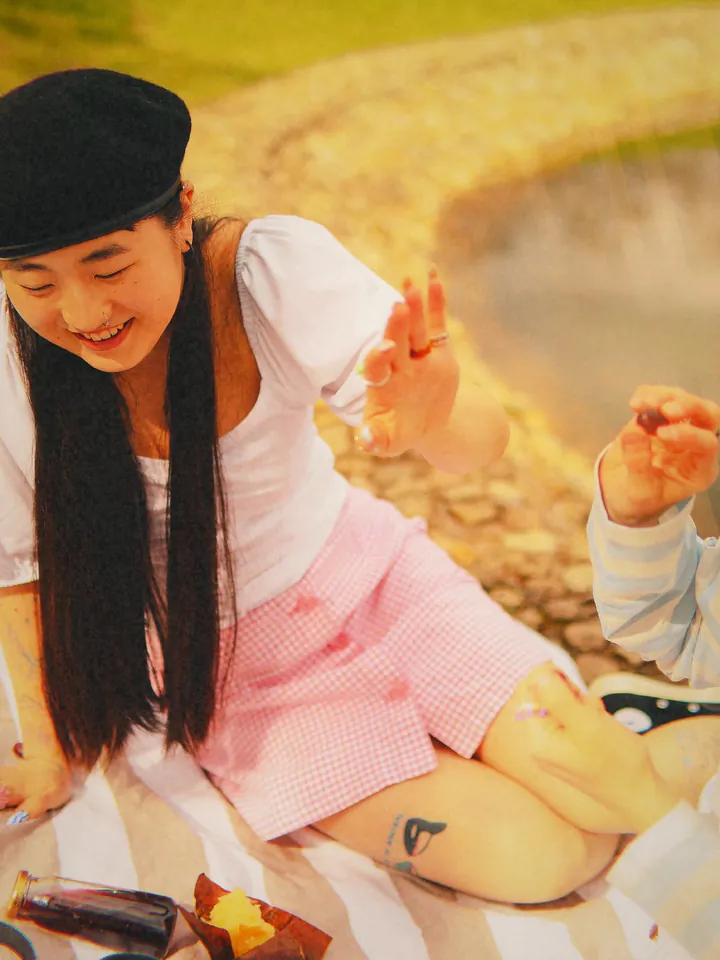
Why 2010 photos looked like that
The early photo-sharing apps cropped everything square and offered one-tap filters that imitated old film: lifted blacks, warm or orange highlights, strong vignettes and borders. Phone sensors were still small, and the filters also hid noise and dull colour. The style spread because it made an ordinary phone photo feel like a keepsake, which is more or less what people want from it again now.
What the 2010 era does
The 2010 · Square Feed era uses a square frame by default and adds light grain, a vignette, a soft glow and halation, gentle sharpening and the occasional light leak. The names and the look are Nostalgia Camera’s own, made for the era rather than copied from any app.
Both colour profiles, Sunset Square and Morning Square, are free, and so are the era’s camera bodies. Nothing in this era requires Pro.
Where the look works
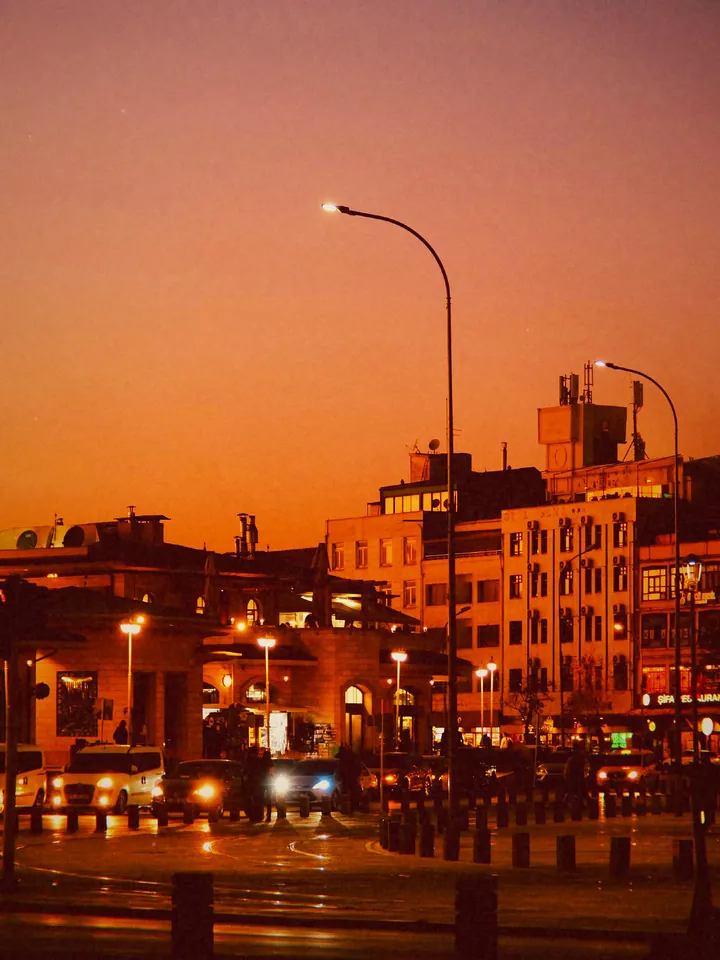
Food, coffee, sunsets, pets, flat lays, city details, feet on the sand. Single subjects that sit well in the middle of a square.
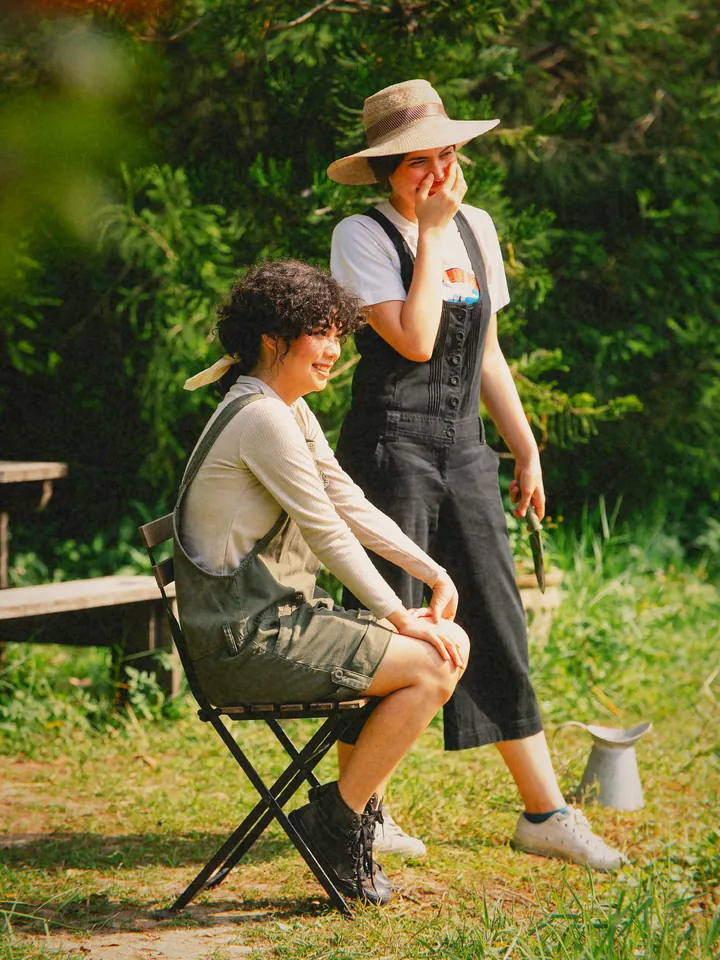
Group photos are harder. A square crop can cut people off, so step back or switch to a 3:2 era such as 1998 for big groups.
How to shoot it
- Choose 2010 · Square Feed in the era picker.
- Pick Sunset Square for warm, golden scenes or Morning Square for brighter, cooler ones.
- Put your subject in the middle of the square; the vignette does the rest.
- Shoot the small stuff: a cup, a plate, a window. That was the whole feed in 2010.
Questions
Is the 2010 filter look free?
Yes. The whole 2010 · Square Feed era, both colour profiles and its camera bodies are free.
Is it a copy of an old app’s filter?
No. It is Nostalgia Camera’s own look, inspired by the square, faded style of the time.
Can I use it on existing photos?
The era is free for new photos you take. Importing photos from your library and reprocessing them is part of Pro.