 Nostalgia Camera

What made a disposable camera photo look like that
Single-use cameras had a plastic, fixed-focus lens, one shutter speed and a small built-in flash that you charged with a button. Most were loaded with fast colour negative film, usually 27 exposures, and the prints came back from a lab days later.
That combination explains the look. The flash lit whoever stood closest and let the background fall into darkness. Fast film added visible grain, the cheap lens softened the corners, and the colour depended on the film and on the lab’s printer as much as on the scene. You could not check the shot, so nobody posed for long.
What the 1998 era does in Nostalgia Camera
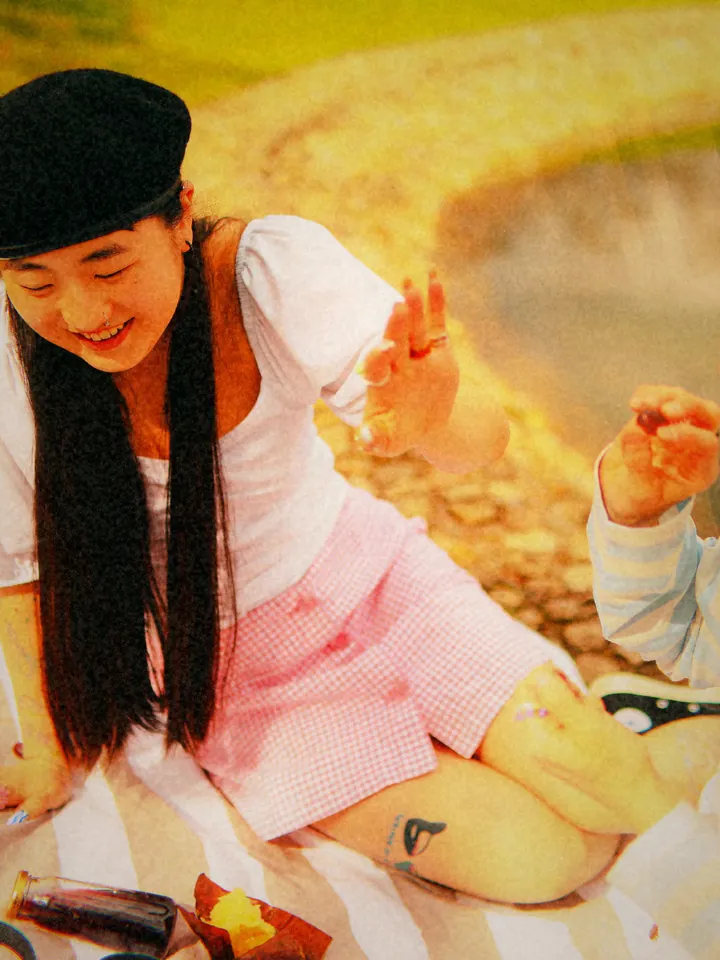
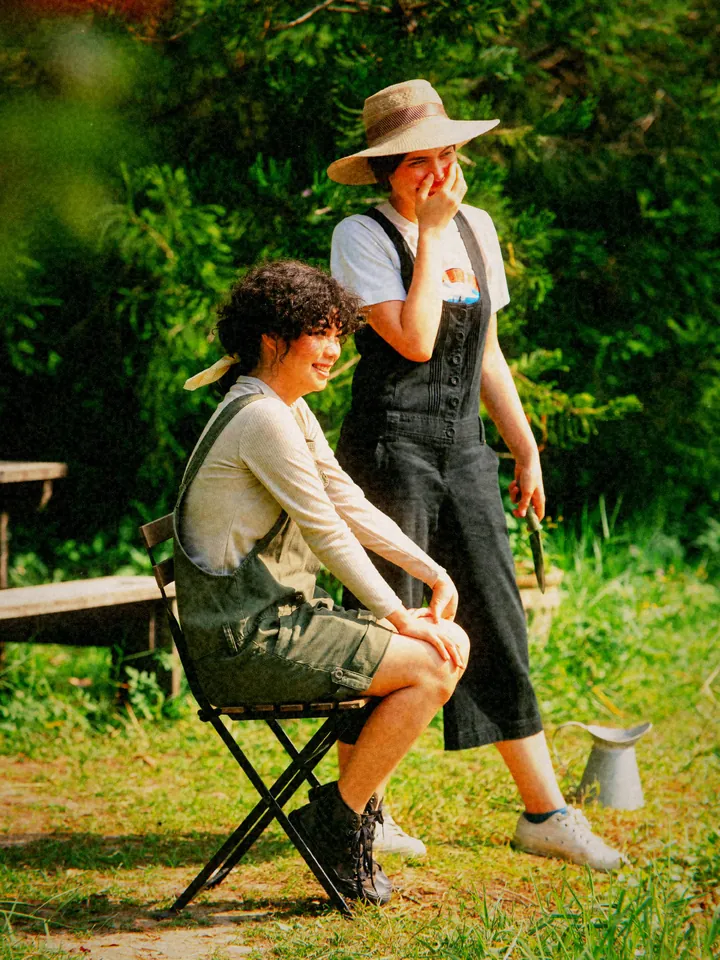
The 1998 · Disposable Flash era applies a disposable-film look on your iPhone: grain, a soft glow around highlights, halation, a vignette, a little dust and the occasional light leak. Small imperfections are randomised, so two shots of the same scene do not come out identical, the way two prints never did.
The era is free. It includes two colour profiles, Warm Drugstore and Cold Pharmacy Print. A third profile for night shots, Neon Night, and one of the camera bodies are part of Pro. The default frame is 3:2, the proportion of a 35 mm negative.
Where the look works, and where it doesn’t
It is at its best on things that happened rather than things that were arranged: dinners, parties, concerts, road trips, friends at night. Use the flash indoors and after dark; that is where the era makes sense.
Flat daylight landscapes lose the point of the flash and can look merely faded. Very close subjects can burn out under flash, so step back a little.
How to shoot it
- Open Nostalgia Camera and choose 1998 · Disposable Flash in the era picker.
- Pick Warm Drugstore for skin tones and evenings, or Cold Pharmacy Print for a cooler, greener print.
- Turn the flash on indoors and at night, and stay roughly one to three metres from your subject.
- Take the photo and move on. The look works best when you shoot as if you had 27 frames, not 27,000.
Questions
Is the disposable camera effect free?
Yes. The 1998 era with Warm Drugstore and Cold Pharmacy Print is free. Neon Night and one camera body are part of Pro.
Can I use it on photos I already took?
The free era is for new photos you take with the live preview. Importing photos from your library and reprocessing them with an era is part of Pro.
Is this real film?
No. It is a digital look made by the app’s engine on your iPhone. Nothing is uploaded, and each shot varies a little.