 Nostalgia Camera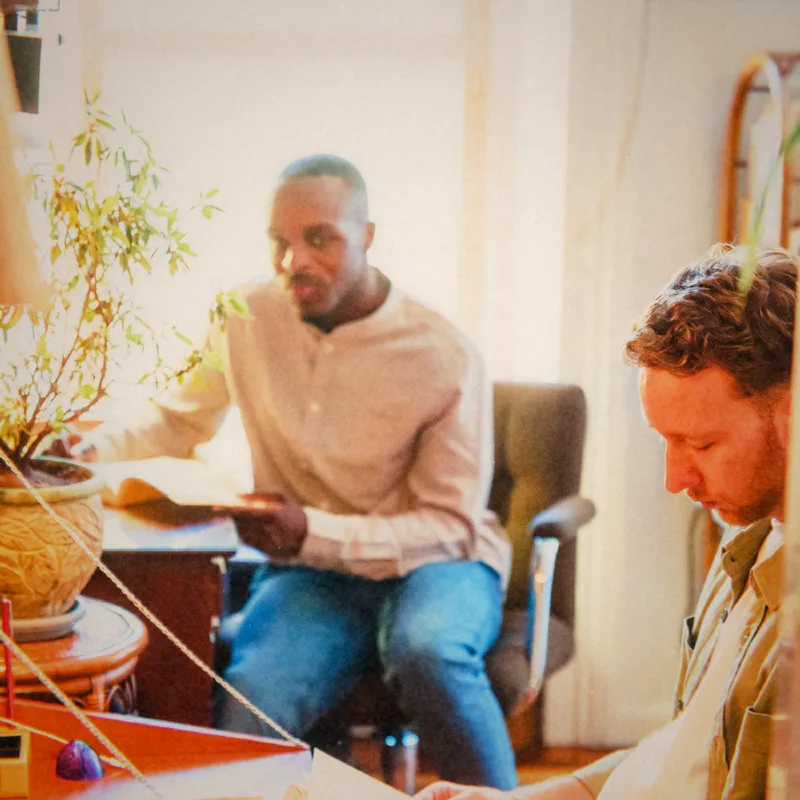
Choose a story small enough to finish
“All our summer photographs” can become a project that never starts. “The afternoon we missed the train” is a smaller story with a beginning, a few details and an ending. Start with a moment you can describe in one sentence.
Choose three to six photographs that add something different. A wide view sets the scene, a person gives it company, and a detail makes it specific. Remove repeated frames until each remaining picture has a reason to be there.
Keep an original beside the interpretation
A vintage look is an interpretation of the photograph. Keep the source image and save the processed version separately so you can revisit your choice. Nostalgia Camera can capture or import a photo; start with an included era and compare the result before processing the rest.
The 1895 and 2004 examples on this site are free eras in the app. The 1972 example requires Pro. These names refer to software looks, not to the date or camera that produced the source photograph. Make that distinction explicit if an image could otherwise be mistaken for an archival record.
Let the caption carry what the frame cannot
Write a detail you would not recover just by looking at the picture: what someone said, why you stopped there or what happened a moment later. A caption such as “We stayed until the café stacked the chairs” often preserves more of the day than a generic label.
Use names and private details thoughtfully, especially if the scrapbook will be shared. A personal album and a public post have different audiences. You can keep a fuller version for yourself and use a shorter caption when sharing.
Build a rhythm, then stop
Place a wider frame next to a detail, or alternate people with places. You can keep one era across the sequence for a consistent character, or use different looks intentionally. Compare them on the same screen rather than judging from thumbnails alone.
The Memory Strip demo is a small place to try this rhythm. It uses prepared, licensed photos and lets you save a three-frame postcard. There is no visitor upload, account or app synchronization. Credits travel with the downloaded example.
For the finished personal scrapbook, use a layout tool or photo album of your choice with the images you made in Nostalgia Camera. The app creates the photo looks; the demo offers a composition prompt. Finishing one small story is a useful first step before organizing an entire year.